 Disable AI Overview
Targeted hiding
Looks for AI Overview signals and hides a local panel. When the page structure is uncertain, the extension leaves it alone.
Keep the links, answers, and Google tools you use. The extension hides recognized AI Overview panels in your browser, then gets out of your way.
The Chrome Web Store submission is under review. No account, tracking, or search history collection.
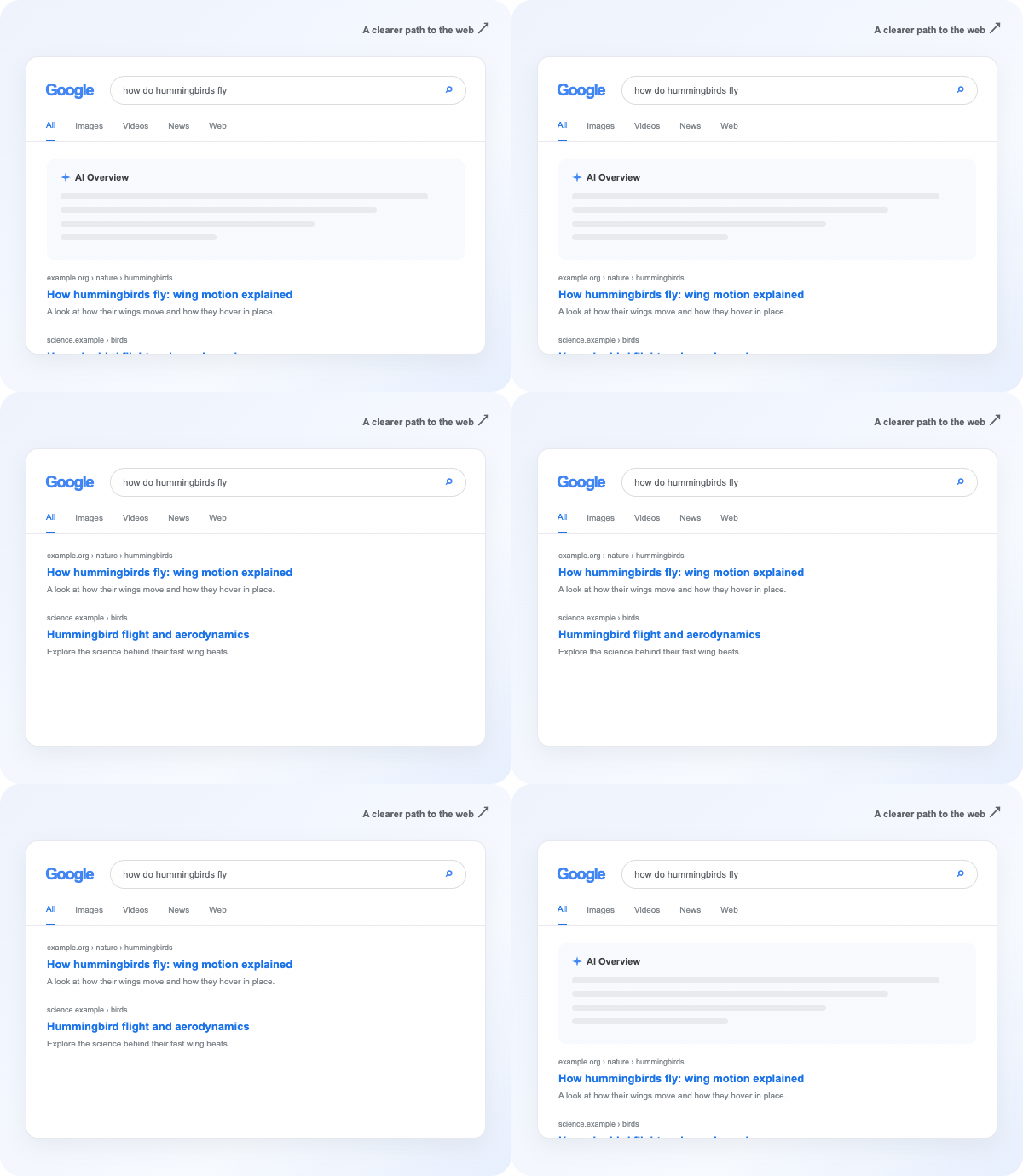
The same results page before and after applying the built content script and stylesheet in a browser session. The AI Overview and AI Mode tab were hidden while video results remained. This is one observed layout, not an installed-extension success-rate test.
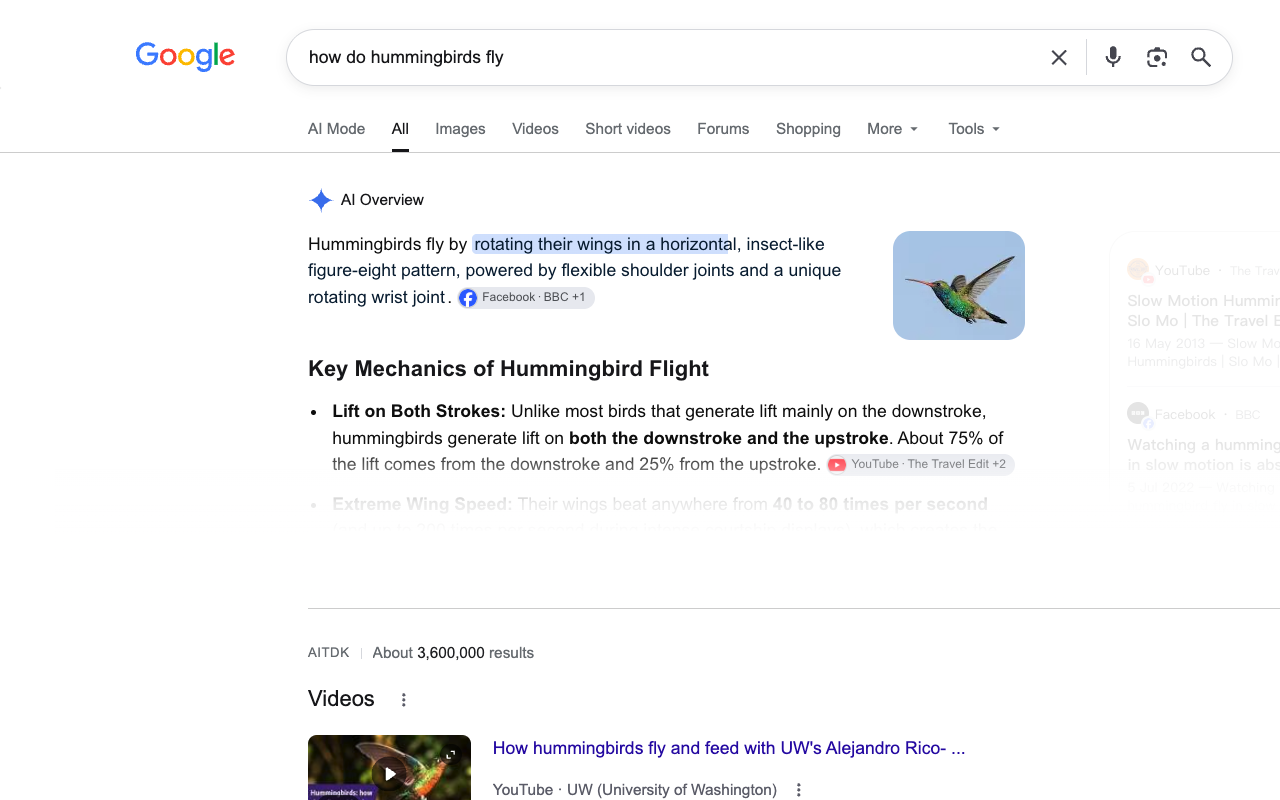
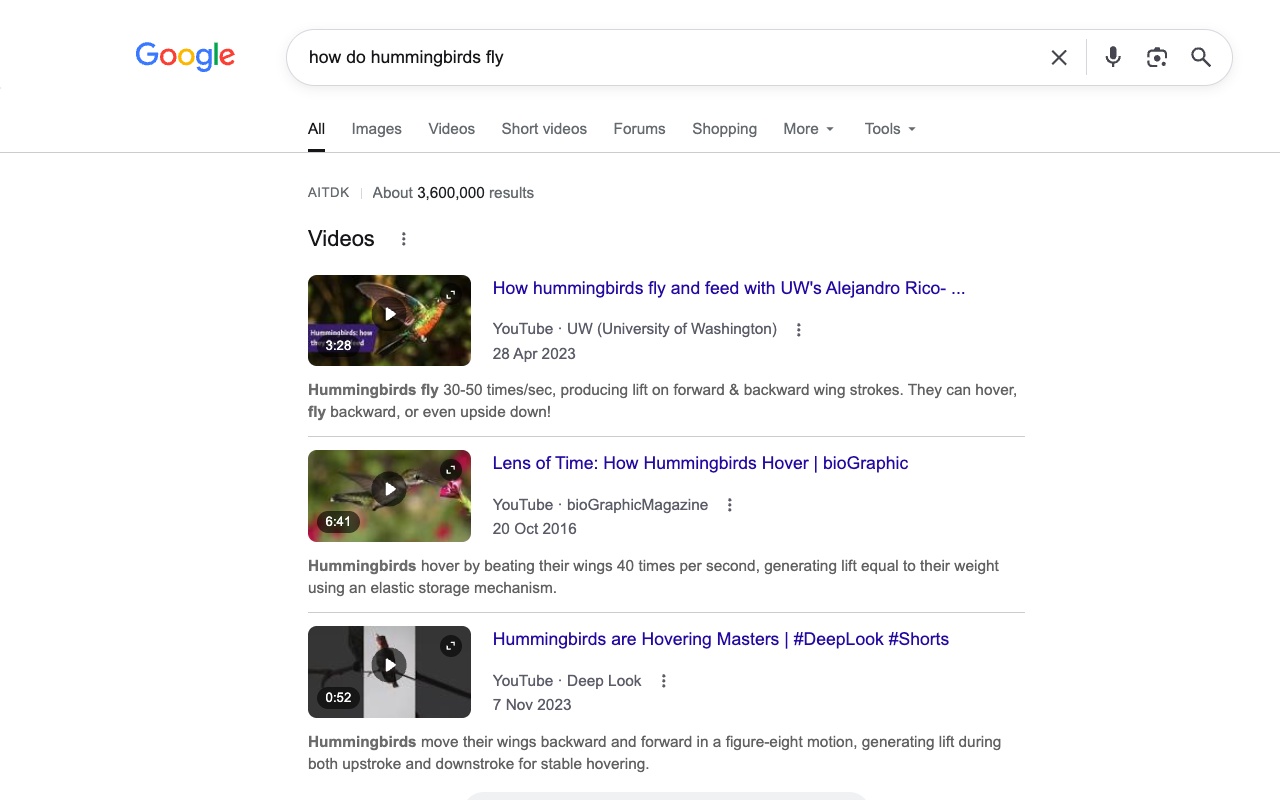
Looks for AI Overview signals and hides a local panel. When the page structure is uncertain, the extension leaves it alone.
Designed to avoid swallowing ordinary links, shopping content, and built-in tools such as weather and calculators.
Runs on supported Google Search pages. It does not send your search terms, results, or browsing history to us.
Once the Chrome Web Store listing is available, installation will take just a moment.
Install Disable AI Overview from its verified Chrome Web Store listing.
Recognized AI Overview panels are hidden automatically on supported search pages.
Use the popup switch to pause hiding and restore content on open pages.
Google says AI Overviews are a core Search feature and cannot be turned off through a regular setting. Its Web filter shows text-based links without AI Overviews, but also changes the result view. See Google's help article.
No. It changes the visible page in Chrome only. Google still generates the original search page.
The detector is designed to preserve ordinary results and tools. Google can change its page layout, so please report anything it hides incorrectly.
No. The extension stores only your on/off preferences locally in Chrome.
The Chrome Web Store submission is under review. Until it is available, explore the guide and learn how the extension works.