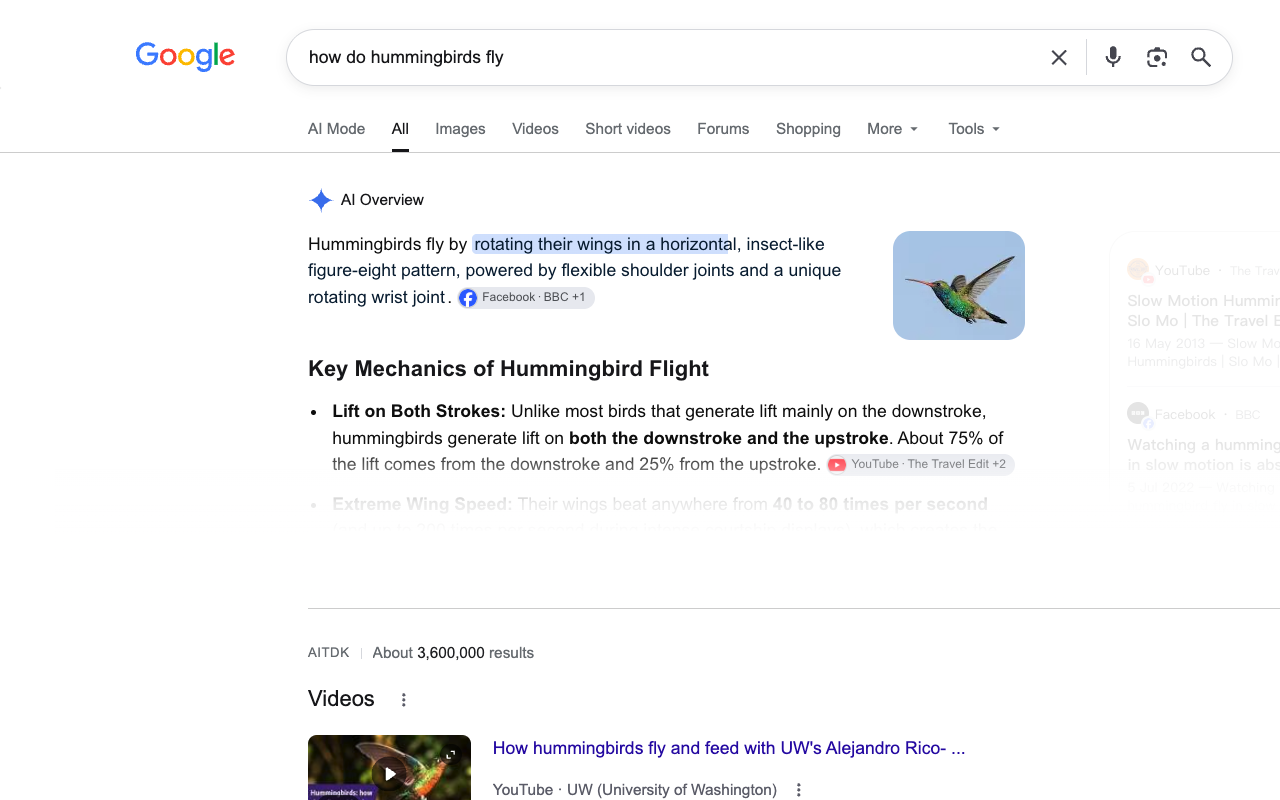
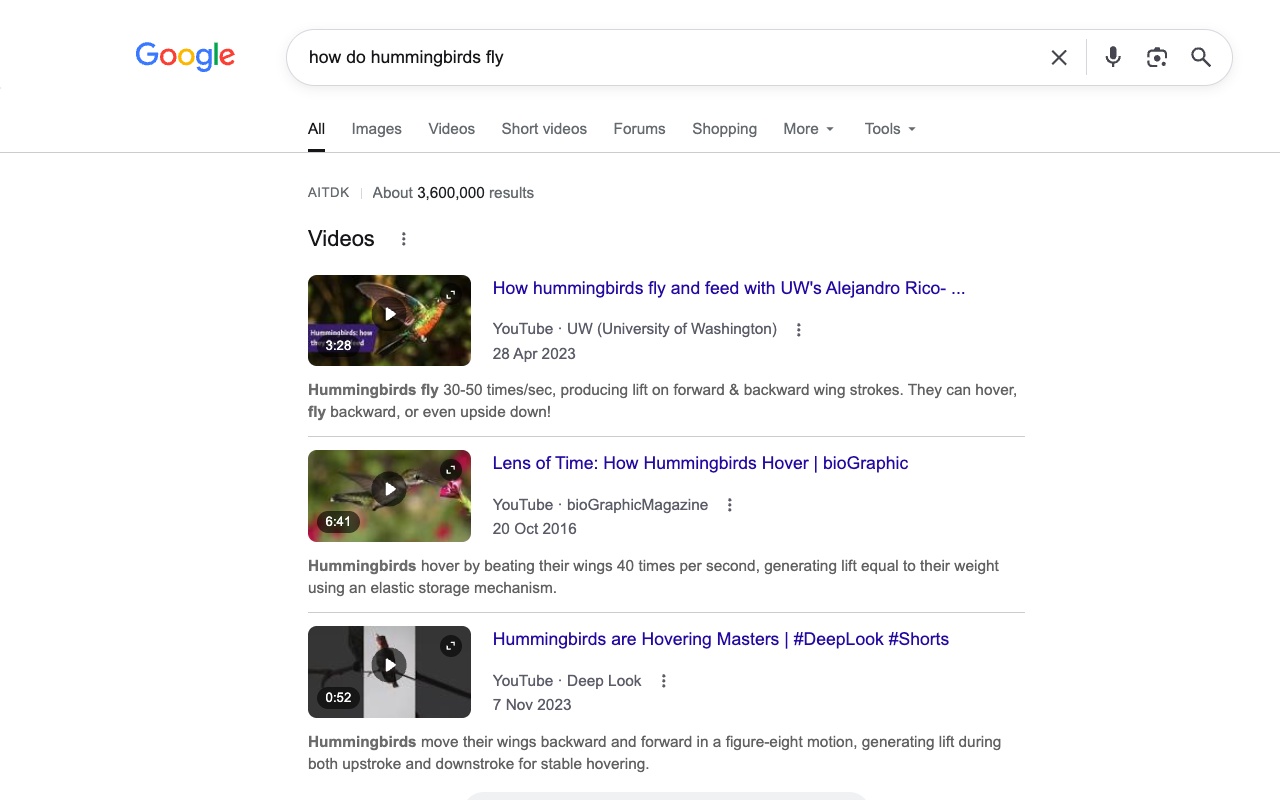
 Disable AI Overview
Two ways to change search results
Some people want a list of websites with no generated summary. Others still want features such as weather, shopping, and quick tools, just without the AI Overview at the top. Those are different goals.
Use the Web filter for links
On a Google results page, select Web in the filter row. Google's help page says it shows text-based links without AI Overviews. This is useful when your immediate goal is to browse source pages.
The limitation is that Web is a different results view. It may omit the extra modules and tools you expected on the default page.
Keep the standard page, hide the overview
Disable AI Overview is a Chrome extension currently under Chrome Web Store review. It watches supported Google Search pages for identifiable AI Overview panels and hides those panels. It aims to preserve normal result links and built-in tools. Because Google's markup changes, it deliberately leaves uncertain structures visible.
The extension also offers a separate AI Mode tab switch. It is separate from Overview blocking. The exact tab behavior depends on the Google page layout and the extension version.
Choose based on the result you need
- Want only website links? Select Google's Web filter.
- Want the usual Search page with less AI clutter? Use a browser display tool once available.
- Need a specific Google tool? Stay on the standard results view; the Web filter may not show it.
Frequently asked questions
How do I remove AI Overview without a browser extension?
Select the Web filter after searching. It shows text-based links rather than the standard results layout. For step-by-step instructions, see how to disable AI Overview on Google Search.
Can I use the Web filter on my phone?
Yes. The Android and iPhone guide explains the mobile steps and why this desktop Chrome extension cannot run on a phone.
Can I get the old Google Search back permanently?
Google has not provided a regular switch for removing the core AI Overview feature. The two methods above are workarounds for the display or results view.
Is AI Mode the same as AI Overview?
No. AI Overview is a panel that can appear within search results. AI Mode is a separate Search experience or tab. Hiding a tab does not change Google's service.